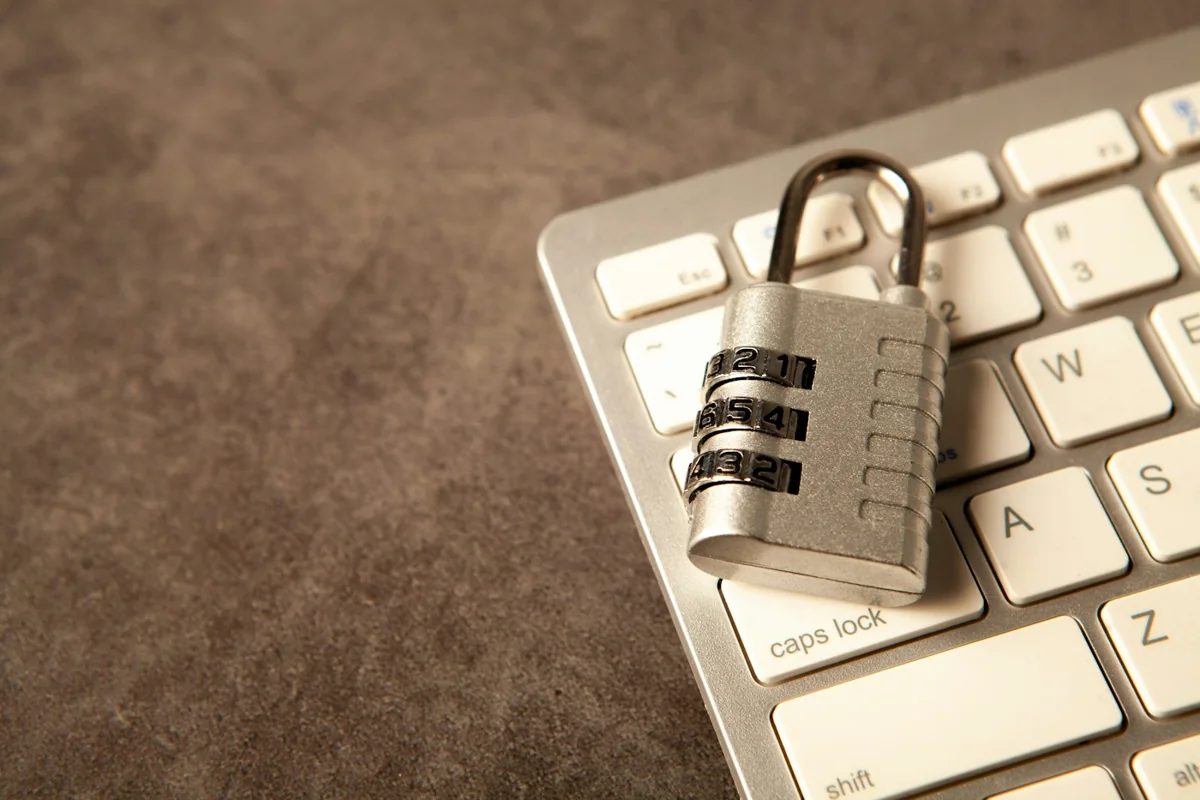
Practical website security tips for small businesses start with the accounts, people and routine tasks behind the website. A business can lose information through an account compromise, an accidental deletion or a misleading enquiry. No single product removes every risk, but clear responsibilities and sensible controls make preventable problems easier to avoid.
Understand the risks around the website
Threats can involve the website itself, its hosting account, the email receiving enquiries or the computer used to administer it. A contact form may attract spam even when the site is functioning normally. An attacker may instead impersonate a buyer or supplier to persuade staff to reveal information or make a payment. List the important accounts and the people who use them. Include domain registration, hosting, business email, website administration and connected services. Ask who can recover each account and who should be contacted if something appears wrong. This simple inventory supports more useful decisions than buying a security feature without knowing what it protects.
Treat unexpected enquiries carefully
A fake enquiry may request an urgent purchase, include a suspicious attachment or ask you to sign in to an unfamiliar document portal. The message can use a real company name without being sent by that company. A large promised order should not remove the normal verification steps. For industrial suppliers, a convincing message may include product terminology or a quotation request. Check the sender and verify unusual requests through a known contact route. Do not use only the telephone number or link supplied in the questionable message. Website for Industrial Suppliers explains how clear enquiry requirements can support the legitimate sales process.
Recognise phishing and fake invoices
Phishing attempts use messages or websites to obtain credentials, payment details or other sensitive information. Look for unexpected sign-in requests, changed payment instructions and pressure to act before checking. Familiar branding or a professional writing style does not establish that a message is genuine. Open business services through saved bookmarks or by typing the known address. Verify a supplier's bank-detail change through an established channel before approving payment. Keep original messages and relevant transaction records if you suspect a problem. Give staff a way to ask for a second check without treating that delay as poor performance.
Know what HTTPS protects
HTTPS encrypts the connection between the visitor and the website and uses certificates to support domain validation. It protects data in transit, but a fraudulent website can also use HTTPS. A padlock does not prove that a business is legitimate or that the website's application is completely secure. Check that certificates renew correctly and that forms and other resources use the intended secure connection. Access controls, application updates and backups remain separate responsibilities. Hosting, Domain and SSL Explained helps distinguish these components and the people responsible for them.
Use unique passwords and additional authentication
Use a different strong password for each important account. A password manager can help create and maintain these credentials without reusing one password across the business. Store account recovery information securely and avoid distributing administrator credentials in ordinary group messages. Enable multi-factor authentication where supported, especially for business email, domain registration, hosting and administrator access. Review available methods with the provider; phishing-resistant options can offer stronger protection than passwords alone. Keep recovery options under business control so that staff changes do not lock the owner out.
Maintain backups that can actually be restored
Agree what is backed up: website files, databases and any relevant configuration. A copy stored only in the same compromised account may not provide the separation you need. Confirm where backups are retained, who can access them and how long they remain available. Test restoration in an appropriate environment rather than assuming that a successful backup notification proves recovery will work. Document who requests a restore and how content changes after the backup are handled. A static website and an application with active customer records may need different recovery arrangements.
Keep supported software updated
Website software, plugins, themes and dependencies can require security updates. Identify which components your site uses and who maintains them. Remove unused extensions and avoid adding software from untrusted sources merely to obtain a feature quickly. Plan updates with a backup and a way to check important functions afterwards. For an application, test the login, forms and other critical journeys. Updates reduce known risks but do not guarantee complete protection. An unsupported component needs a migration discussion rather than repeated postponement without a plan.
Reduce form spam and abuse
Secure website contact forms need server-side validation and a confirmed message-delivery process. Depending on the actual implementation, rate limiting, anti-spam checks and carefully chosen challenges may help. A browser-only validation message is not a complete control because requests can be sent without using the visible form. Limit file uploads to a genuine requirement and have the provider explain accepted types, storage and scanning. Do not automatically trust a file because it arrived through the website. Balance protective measures with usability so legitimate customers can still make an enquiry, including those using mobile devices or assistive technology.
Limit access and customer data collection
Give staff permissions appropriate to their tasks. Someone updating a product description should not necessarily control the domain or every user account. Remove access promptly when a person no longer needs it, and keep an inventory of administrators rather than sharing a single login. Collect only customer information needed for the stated task. Decide where it is stored, who can see it and how long it is needed. Avoid copying sensitive information into unnecessary spreadsheets or conversations. Customer data protection requires an operational process alongside the website's technical controls.
Respond when a problem is suspected
Stop acting on the suspicious request and use known contact channels to verify it. If an account may be compromised, contact the responsible provider and follow an appropriate recovery process. Preserve relevant messages, logs and records; deleting everything immediately can remove information needed to understand what happened. For suspected financial cyber fraud in India, contact your bank or payment provider promptly through its official channel. Government guidance identifies 1930 and the National Cybercrime Reporting Portal as official reporting resources. Follow the portal's current instructions; reporting does not guarantee recovery. The Ministry of Home Affairs guidance confirms the reporting system and helpline.
A practical website security checklist
- Record the business accounts and the people responsible for them.
- Use unique passwords and supported multi-factor authentication.
- Keep recovery details secure and administrator access limited.
- Confirm backups, separate storage and a tested restoration process.
- Assign responsibility for supported software and dependency updates.
- Verify unusual enquiries and payment-detail changes independently.
- Review form validation, spam controls and message delivery.
- Collect only necessary customer information and control access.
- Maintain an incident contact list and preserve relevant evidence.
Discuss the scope without assuming a guarantee
UDS's Website Development and Cloud Networking and Management Services are relevant routes for a technology discussion. Confirm the specific maintenance responsibilities and available assistance before assuming that a particular security service is included. This article does not advertise an unverified audit package or a promise to prevent every attack. For further general guidance, review NIST's small-business phishing guidance and CISA's multi-factor authentication guidance. Match the controls to your actual website and accounts.